

Mac-hosted execution
Codex CLI, your repo, and your build environment stay on your Mac. VYB gives you mobile supervision and control without moving the workflow somewhere else.
VYB is a mobile client for Mac-hosted development workflows. Review Codex sessions, handle approvals, inspect files, run terminal commands, and use remote desktop when command-line access is not enough.
Start free with Codex, terminal, and files for one Mac host. Pro adds multiple hosts, remote desktop, and faster controls for active coding sessions. Your Mac remains the execution environment throughout.
VYB does not replace your workstation. It gives you a faster way to stay responsive to active AI coding work when you are away from your desk.
Codex CLI, your repo, and your build environment stay on your Mac. VYB gives you mobile supervision and control without moving the workflow somewhere else.
Use VYB alongside the agent sessions, terminal workflows, project files, and simulator tasks already running on your Mac.
Handle approvals, inspect repo state, and run commands from mobile first. Switch to remote desktop only for simulator checks, UI-only tasks, or other edge cases.
Host credentials are stored in Apple Keychain on your device. Build and install actions stay limited to the same local network as your Mac.
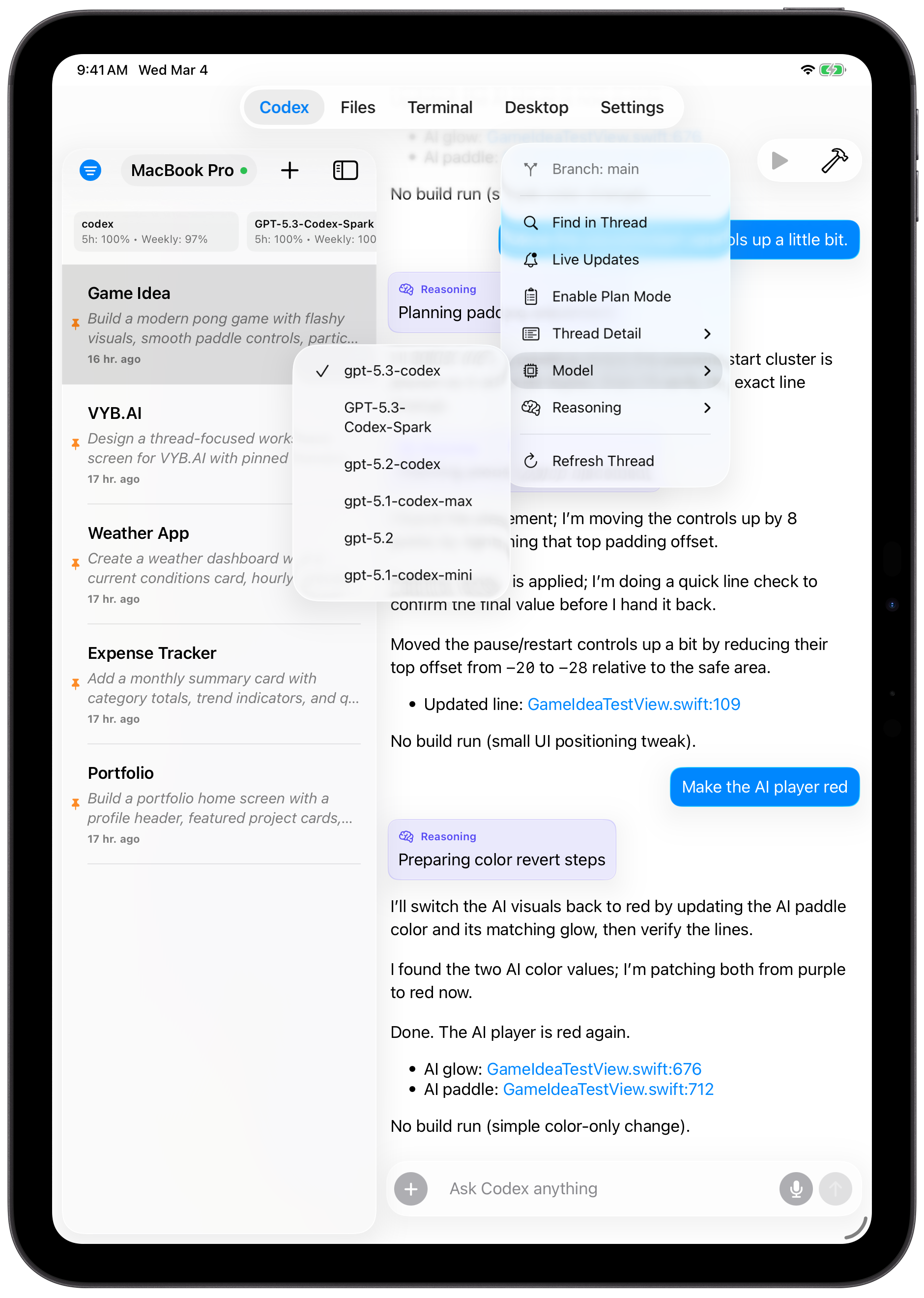
Review thread progress, send follow-ups, handle approvals, and keep multi-step coding work moving while your Mac remains the execution environment.
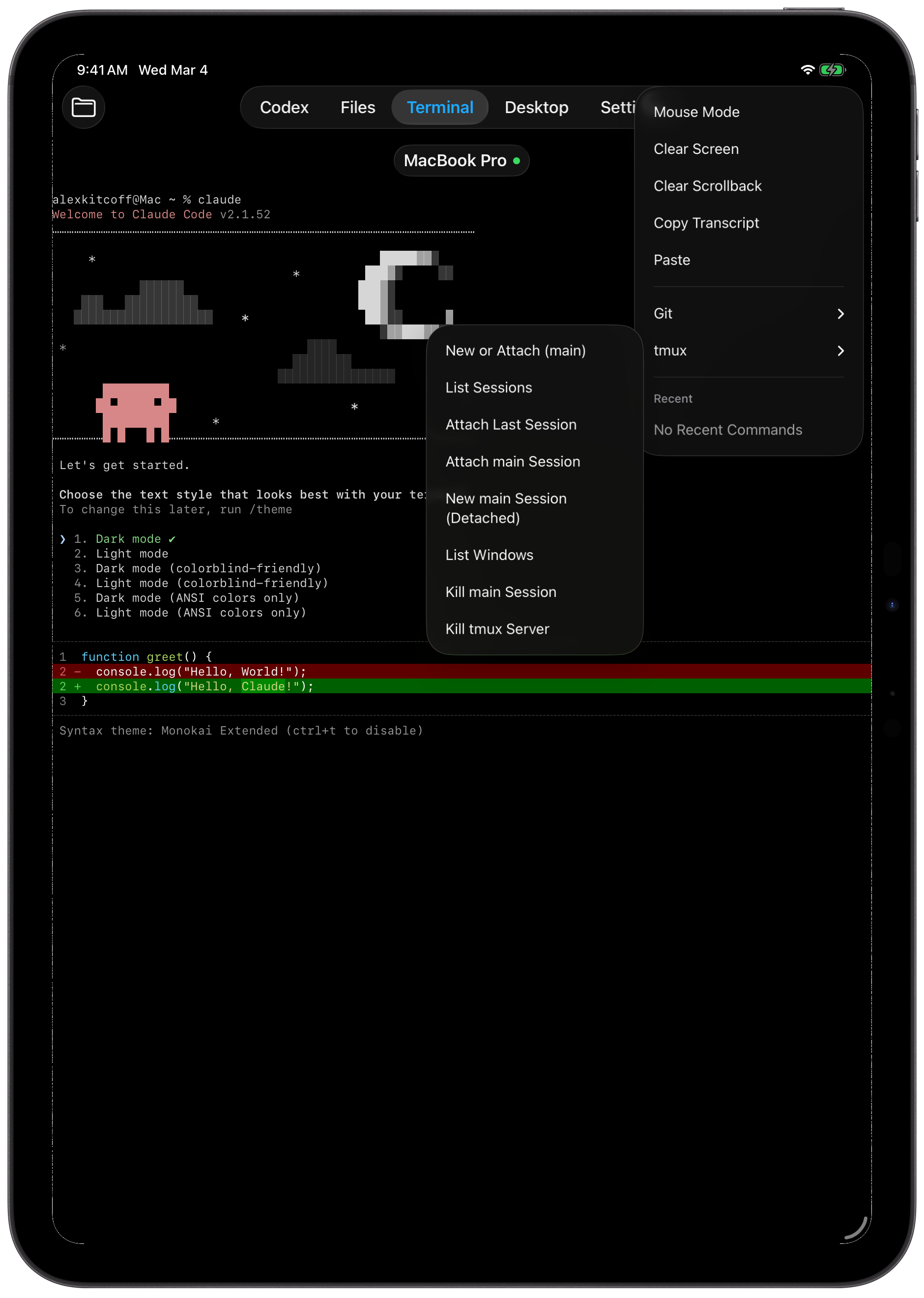
Use terminal and files together to inspect logs, verify changes, browse the repo, and answer the small operational questions that block progress.
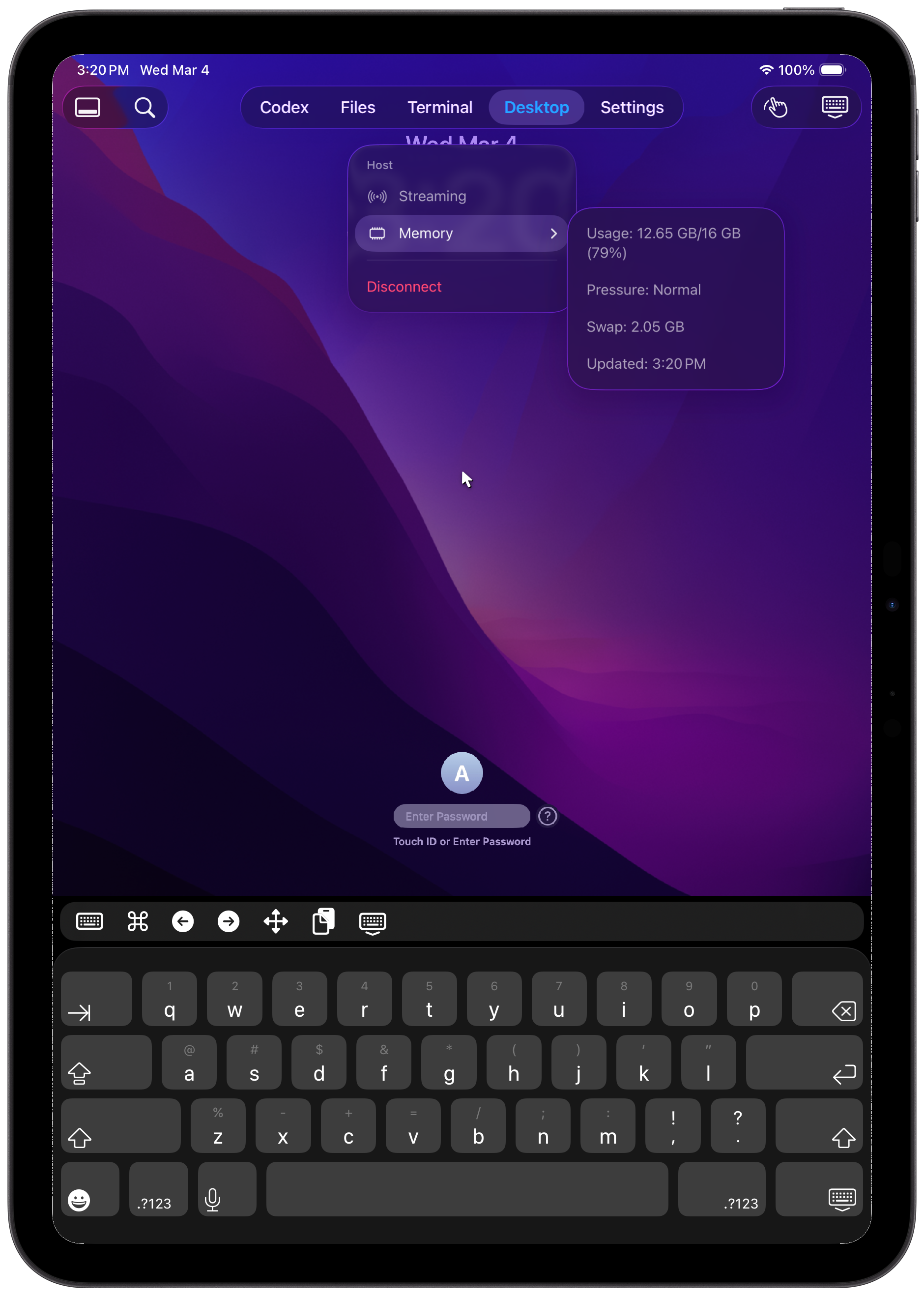
Switch to desktop access for simulator interaction, UI tooling, and other edge cases that do not fit cleanly into a terminal-first workflow.
Free covers the core single-host workflow for Codex, terminal, and files. Pro adds multiple hosts, remote desktop, and faster controls for active coding sessions.
$0
$2.99/month or $24.99/year
Need help with setup or troubleshooting? Reach out and include as much detail as possible so we can resolve quickly.
Check the FAQ for common issues.
Contact: alex@vyb.ai